How do you share one GPU across teams for an on-prem LLM without buying four more cards? You pick one of three NVIDIA mechanisms — Multi-Instance GPU (MIG), vGPU, or time-slicing — and each one changes what you can run, what breaks when a job misbehaves, and whether a license invoice arrives with it.
This article compares the three side by side on isolation, supported silicon, and the recurring cost that vGPU brings. It covers where NVIDIA MPS fits as a fourth option, and how the choice interacts with the GPU you have already sized for the team.
The short version: MIG for strict isolation on supported datacenter GPUs, vGPU when you are already running VMs and can absorb the licensing, time-slicing for trusted internal workloads that tolerate noisy neighbors.
MIG Carves the GPU in Hardware
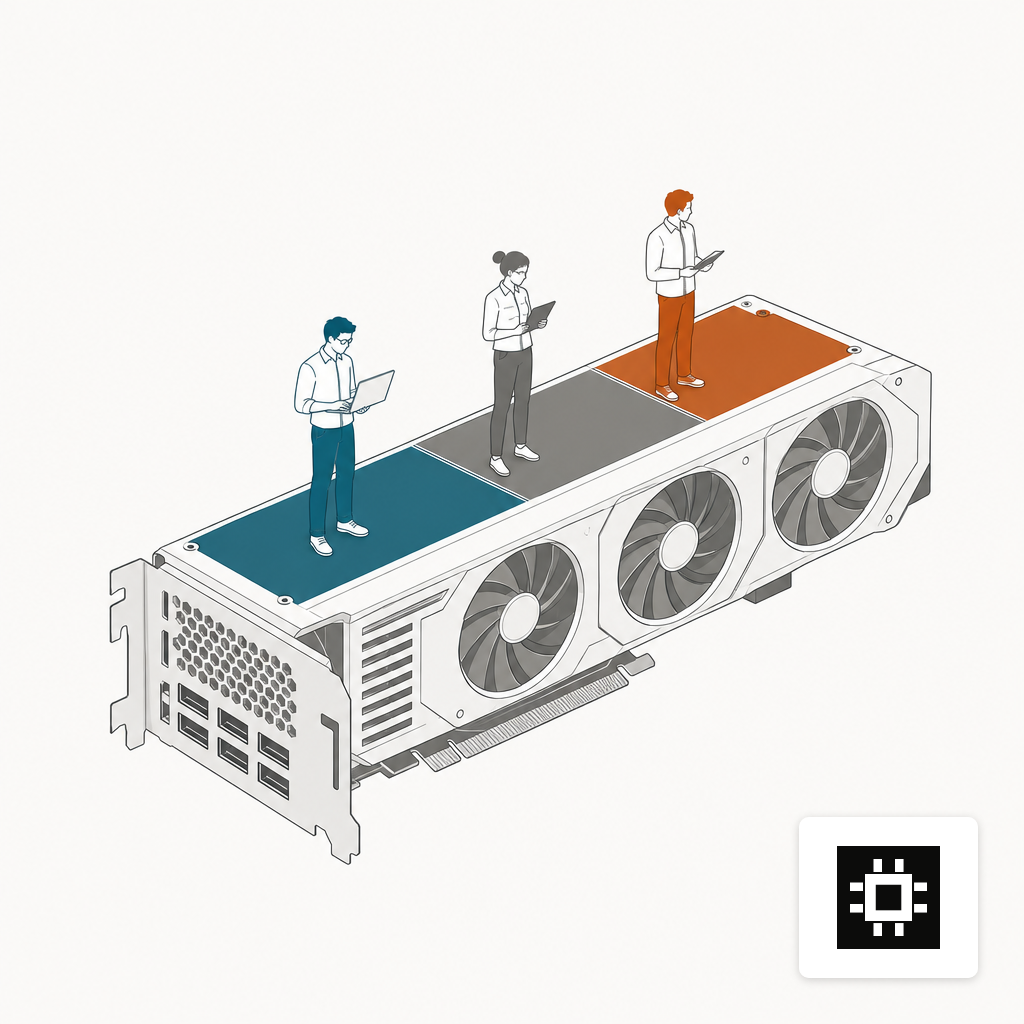
MIG splits a single physical GPU into as many as seven instances with their own memory slices, L2 cache, and streaming multiprocessors. The partitions are enforced in silicon, which is why NVIDIA's own documentation contrasts MIG's hardware isolation with time-slicing, where no memory or fault isolation exists between replicas. A hung kernel on one MIG instance does not take the others down with it.
The constraint is which cards support it. MIG is a datacenter feature only — present on the A100, A30, H100, H200, and B200, and absent on GeForce and professional RTX workstation parts. If you have been pricing an L40S for a small team because the price-per-VRAM looks good, MIG is not on the table and you are back to time-slicing or vGPU.
Profile sizes matter for LLM serving because each instance gets a fixed memory ceiling. On an H100 80GB the shapes range from seven 10GB slices up to a single 80GB whole card.
That memory ceiling is the thing that ends conversations about running a 70B model on a MIG instance. You can serve a small model to each of seven tenants, or one larger model to fewer tenants, but you cannot borrow VRAM across instances mid-flight. The partitioning is static until you tear the whole GPU down and rebuild it.
Hopper's second generation of MIG is a step up from Ampere's first version. NVIDIA reports each H100 MIG instance delivers roughly 3x the compute and 2x the memory bandwidth of an A100 instance, and adds per-instance confidential computing. That matters if you are mixing tenants with different trust levels on one card.
vGPU Runs the GPU Inside a License
NVIDIA vGPU hands a virtual slice of a physical GPU to each VM, mediated by a host driver and a license server. It is the right mechanism when the workloads already live in VMware, Nutanix, or KVM and your platform team wants GPU scheduling to look like CPU scheduling to the hypervisor.
The bill is where buyers get caught. vGPU for compute is software-enforced and requires one NVIDIA AI Enterprise license per vGPU instance assigned to a VM. Four VMs sharing an H100 means four concurrent subscription seats, renewed annually once the bundled term runs out. That bundled term is real: current H100 PCIe adapters ship with a five-year NVIDIA AI Enterprise subscription, so year one looks free and year six does not.
Two practical consequences:
- Price your partitioning decision across the full depreciation window of the server, not the first year. A four-way vGPU split on a rack full of H100s turns into a five-figure renewal when the bundled subscription expires.
- Decide whether vGPU's VM boundary is actually buying you something MIG is not. If every tenant is a container on the same Kubernetes cluster, you are paying license fees for isolation you could get from MIG for free on the same silicon.
vGPU does give you live migration, flexible profile resizing without a reboot of the physical host, and clean integration with existing virtualization tooling. On bare-metal Kubernetes none of those are advantages worth the recurring spend.
Time-Slicing Round-Robins and Prays
Time-slicing is the mechanism NVIDIA's Kubernetes device plugin uses when you ask it to advertise more GPU replicas than there are physical cards. Processes take turns on the whole GPU under the normal CUDA scheduler. There is no memory isolation, no fault isolation, and no bandwidth guarantee: if one tenant allocates 70GB of VRAM, the rest crash.
It is free, it works on every GPU NVIDIA sells, and it is often the right answer for a trusted internal pilot where a handful of engineers are prototyping against the same model weights. Where it breaks is multi-tenant production. A runaway process is not quarantined — it slows every other replica on the same card until it finishes or is killed.
MPS Is the Fourth Option Nobody Talks About
Multi-Process Service predates all of this and still ships with every CUDA install. It lets multiple processes share a single CUDA context, which gets you better overlap than raw time-slicing for small inference workloads. The catch is the shared context itself: a fatal exception from any client puts the MPS server in a FAULT state and terminates every other healthy client on it. Blast radius is the whole group. Treat MPS as a throughput boost for trusted, well-behaved workloads, never as isolation between teams.
Matching the Mechanism to the Workload
Three things usually decide the choice. First, the trust boundary — are the tenants inside one team, or are you serving departments that cannot see each other's prompts. Second, the silicon you have committed to. Third, whether the stack is containers on bare metal or VMs on a hypervisor.
Rough mapping that holds up in practice:
- One team, one model, several engineers: time-slicing on whatever card you have. No licensing, no partition planning, and a misbehaving notebook only hurts the person who wrote it.
- Multiple teams, strict isolation, H100 or H200: MIG. The hardware boundaries are real and the subscription that shipped with the card covers the software side for the first few years.
- Mixed workloads on a virtualization platform your ops team already runs: vGPU. Price the renewal, not just year one, and compare it against the cost of rebuilding the stack on bare metal.
- Inference-heavy service with many small requests from trusted callers: MPS underneath, time-slicing above, no partitioning at the hardware level.
The free sizing tool gives you a starting GPU count by model and concurrent users, but it does not answer the partitioning question. That decision interacts with the shape of the concurrent-user load — bursty interactive sessions behave differently under MIG than steady batch jobs do under time-slicing.
Taking the Conversation to Your Vendor
Ask the integrator this directly: "On the GPUs you are quoting me, what does the five-year software bill look like under MIG versus vGPU for the number of tenants I actually have, and what breaks if I try to change that partitioning later?" A useful answer names specific SKUs, states which cards in the quote support MIG natively, puts a number on the vGPU renewal after the bundled NVIDIA AI Enterprise term ends, and says plainly whether changing from MIG to vGPU, or the reverse, requires a driver stack rebuild and host downtime. An answer that waves at "flexible configurations" without a price and a downtime window has not been engineered. If that is what you get back, keep asking, or bring the question to someone who will write the numbers down.