Most sizing conversations start with the wrong number. A buyer asks for a system that runs a 70B model, picks a GPU count from a vendor datasheet, and finds out at week six that twenty analysts cannot share it without the chat UI stalling. The model fits. The serving behavior does not.
Concurrency, not raw parameter count, is what breaks on-prem LLM deployments after launch. The amount of KV cache memory your GPUs can hold at a given context length sets a hard ceiling on how many users can be in a session at the same time, independent of how fast any single response feels. This piece walks through the per-tier hardware and software shopping list for 10, 25, 50 and 100 concurrent users of an open-weight assistant, mapped to the cstmAI hardware line and the inference stacks you would actually run on each.
What should sit on your floor before the first pilot ends?
What Concurrency Actually Costs on a GPU
Concurrency has two bottlenecks and they are not the same. The first is memory: every active conversation holds a KV cache proportional to its context length, and that cache lives in VRAM next to the model weights. The second is latency: at some batch size the engine stops producing tokens fast enough per user to feel live. A reasonable floor is about 6 tokens per second per user, which matches average English reading speed.
The memory ceiling is the one that surprises buyers. An 8B model at FP16 on a single H100 80GB leaves roughly 56GB for KV cache after weights and vLLM overhead, which translates to around 107 concurrent users at 4K context, roughly 13 at 32K, and only 3 at 128K. The GPU does not get slower at 128K. It runs out of room to hold the conversations.
Smaller GPUs collapse earlier. A 24GB L4 running the same 8B model leaves about 6GB of KV cache after weights and engine overhead, supporting under three full-length conversations at 8K tokens each. Any sizing exercise that ignores context length will undercount GPUs by a factor of two to ten.
10 Users: a cstmAI Desk Does the Work
Ten concurrent users is a pilot team or a department running an assistant alongside normal work. Peak concurrency is usually three to five, with occasional spikes. For an 8B to 14B open-weight model at 4-bit or 8-bit quantization, one 48GB professional GPU (RTX 6000 Ada, L40S) or two 24GB cards covers it, with 128GB of host RAM, 2TB of NVMe for models and vector indexes, and a 10GbE uplink to the rest of the network.
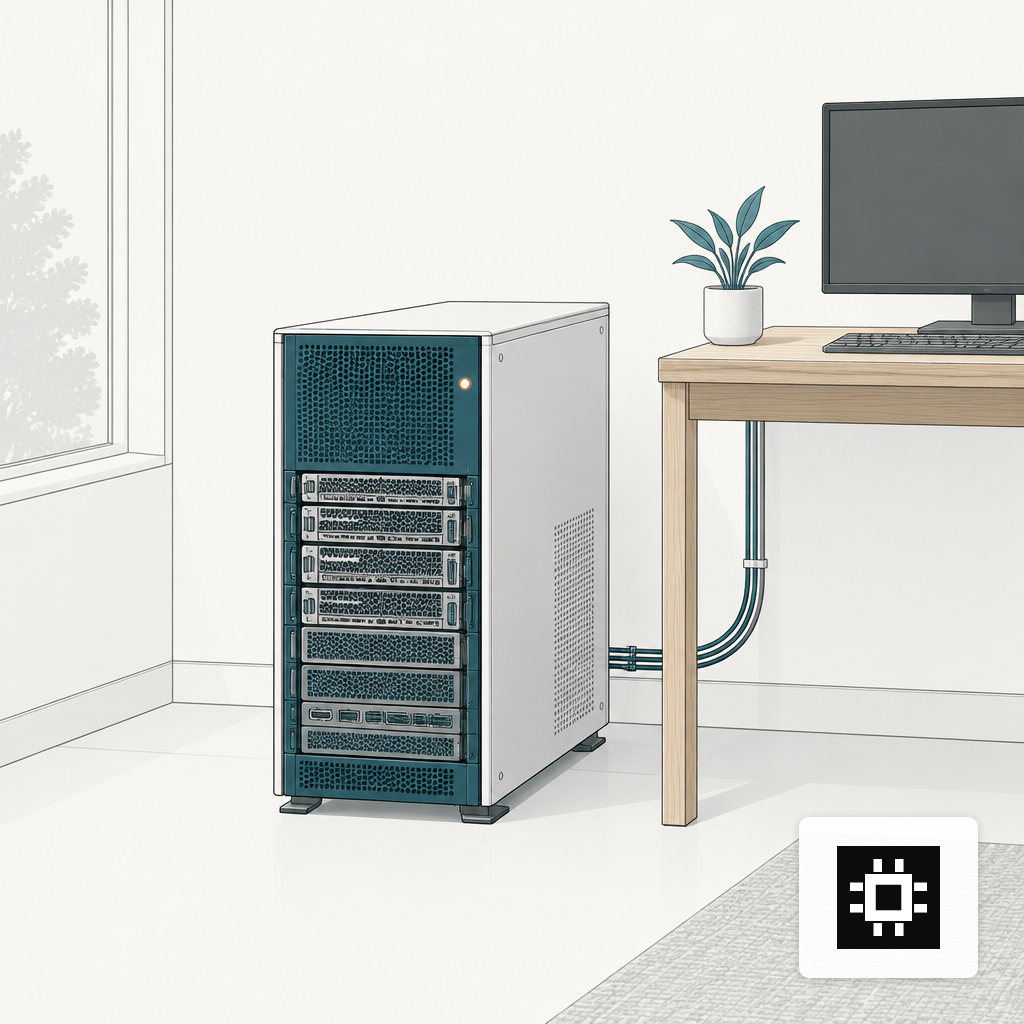
A single-chassis cstmAI Desk sits under or next to a desk, draws from a normal 15A to 20A circuit, and runs on standard room cooling. vLLM with continuous batching is enough on the serving side. The reason to spend here is not throughput but iteration speed: this is where you prove a workflow, fine-tune on your own documents, and build the first custom agent before committing to a rack.
A 70B model is possible on a well-specified Desk at 4-bit, but only if you accept short context windows and sequential users. If the workload is a 70B class model with real concurrency, skip to the next tier. We have written separately on GPU memory for a 70B LLM, and the same arithmetic applies here.
25 Users: a Small cstmAI Rack
At 25 users, continuous use starts to overlap. Realistic peak concurrency sits at eight to twelve simultaneous generations, with retrieval and embedding calls adding GPU load behind the scenes. A 4-GPU server with H100 80GB or L40S 48GB cards covers a 14B to 32B model with long context, or a 70B model at 4-bit for lighter contexts.
Target host specs look like 512GB to 1TB of DDR5, dual mid-core-count CPUs, 8TB to 16TB of NVMe (models, embeddings, logs, audit trails), and 25GbE on the data path. Power lands around 4 to 6 kW for the server itself, which fits a conventional rack but benefits from a dedicated circuit. A cstmAI Rack at this size is often a single 4U chassis plus a storage node.
On the software side, vLLM remains the right default for serving. Ollama is useful for developer workstations and quick model swaps but is not what you expose to 25 people at once. Our walkthrough on vLLM, Ollama and Open WebUI covers how these fit together in production. Expect to add a reverse proxy with SSO, a request queue, and per-user token quotas before the system meets anyone outside the pilot group.
50 Users: a Full cstmAI Rack and a Serving Decision
Fifty users is where naive deployments fail. Peak concurrency is usually fifteen to twenty-five, retrieval traffic is constant, and someone is almost always running a long-document summarization in the background. A fully populated 8-GPU H100 or H200 server is the natural fit, with NVLink or NVSwitch between the GPUs so tensor-parallel inference does not bottleneck on PCIe.
Host memory moves to 1TB to 2TB. NVMe grows to 20TB or more if you are keeping document stores, vector indexes and model checkpoints on the same box. The data path wants 100GbE between the inference server and the storage or application tier. Power lands in a different regime: an 8-GPU H100 SXM server draws about 10.2 kW, which already exceeds what a conventional 7 to 10 kW rack is designed to carry.
The serving choice matters more at this tier. The default is vLLM with PagedAttention and continuous batching. TensorRT-LLM is worth considering on H100 and H200 for highest raw tokens per second if you are locked to NVIDIA. SGLang is a serious option if you are running agentic workloads with heavy prompt reuse. The common failure mode is leaving the engine on default settings and discovering that max_num_seqs is set lower than your actual concurrency ceiling.
100 Users: a cstmAI Cluster, Not a Bigger Box
Past roughly 50 concurrent users on a single model, scaling up the chassis stops being the right move. The constraint flips from GPU memory to request routing: you need multiple inference replicas behind a load balancer, with KV cache awareness so follow-up turns land on the GPU that already holds the conversation.
A hundred-user deployment typically runs as a GPU cluster of two to four 8-GPU nodes, with a head node for orchestration and a separate storage tier for vector databases, document stores and model artifacts. Expect 2TB or more of host memory per inference node, 400GbE or InfiniBand between nodes if you are running tensor parallelism across them, and a managed Kubernetes or Ray Serve layer on top. Power lands in the 40 to 50 kW range for the inference nodes alone.
This is the tier where cooling becomes a line item. Direct-to-chip liquid cooling holds a PUE around 1.15 from 10 kW to 120 kW per rack, while air cooling at 60 kW per rack can degrade toward 1.7 to 2.0. If the room was built for 10 kW racks, you either upgrade it, split the cluster across more racks, or specify liquid-cooled nodes from the start. Our notes on what breaks in the first 90 days go deeper on the ones buyers underestimate.
Power, Cooling and the Rack You Thought You Had
Three numbers decide whether a system can be installed as drawn: circuit amperage, rack thermal envelope, and room PUE. A conventional enterprise rack draws roughly 7 to 10 kW, while a current-generation NVIDIA GB200 NVL72 is rated at 132 kW in a standard 19-inch frame. Most on-prem AI buyers land between those extremes and run into trouble at the 25 to 60 kW band, which is too hot for air and too small for a full liquid retrofit.
Practical guidance for each tier:
- Desk (10 users): standard office power and air, no site work.
- Rack, 4 GPU (25 users): dedicated 208V circuit, raised-floor or in-row cooling, hot/cold aisle discipline is enough.
- Rack, 8 GPU (50 users): rear-door heat exchanger or direct-to-chip loop recommended, redundant PDUs, UPS runtime sized for graceful shutdown of the model engine, not just the OS.
- Cluster (100 users): plan for liquid cooling, 400A+ service, and a networking refresh if the core switches are still 10GbE.
Governance Scales With Concurrency Too
One often-missed consequence of concurrency: the more users, the more sensitive the traffic flowing through the system. In a Q2 2025 analysis of 1 million GenAI prompts, 22% of uploaded files and 4.37% of prompts contained sensitive data, including source code, access credentials and internal financials. That exposure is the main reason buyers move from a public API to on-prem in the first place, and Gartner inquiries about cloud sovereignty rose 305% in H1 2025.
At 10 users, basic SSO and logging are enough. At 100, you need per-tenant policies, retrieval ACLs, prompt and response logging, and a review path for flagged content. Build that in from the Rack tier onward, not after the first incident.
Match the System Before You Open the Estimator
Concurrency sizing is not a single number. It is the intersection of model size, context length, engine configuration and the physical envelope the box has to live in. The Desk is a pilot machine. The Rack is a department-scale system. The Cluster is where a single assistant becomes shared infrastructure. Everything above assumes vLLM-class serving, open-weight models in the 8B to 70B range, and realistic peak-to-nominal ratios around 30%.
Once you know which tier matches your headcount and context profile, the hardware estimator will narrow GPU count and VRAM for your specific model choice. If the answer sits awkwardly between two tiers, that is usually the signal to talk through workload assumptions before committing to a chassis.