Buyers walk into Mac Studio conversations with one of two assumptions. Either Apple Silicon is a toy that happens to run Ollama, or the M3 Ultra with 512GB of unified memory is a quiet replacement for a GPU server. Both are wrong in useful ways. The honest answer is that a Mac Studio is excellent at a narrow set of on-prem LLM jobs and genuinely bad at a wider set, and the line between them is predictable.
This piece lays out that line specifically, so you can decide when a Mac Studio belongs on an engineer's desk, when a small cluster of them is defensible, and when the workload belongs on a vendor-neutral GPU system instead.
What the M3 Ultra Actually Brings to On-Prem LLM Work
The headline figure matters. Mac Studio with M3 Ultra starts at 96GB of unified memory and configures up to 512GB, with over 800GB/s of memory bandwidth, up to an 80-core GPU and a 32-core Neural Engine. On a single workstation, nothing in the x86 or NVIDIA consumer ecosystem gets close to that pooled memory ceiling.
Two consequences follow. First, you can hold a 70B dense model, a 100B+ MoE, or a 4-bit quantized 400B+ model entirely in memory on one box. Second, you can do it under the kind of power envelope that fits in an office closet. Apple's own power documentation lists the 512GB M3 Ultra at 9W idle and 270W maximum, measured from the wall. A loaded rack GPU server at the same model footprint typically pulls several multiples of that.
For a solo developer running a large model locally, that combination is uniquely good. The problems start when you ask the same box to behave like a server.
Where Mac Studios Earn Their Spot
Three roles make sense today.
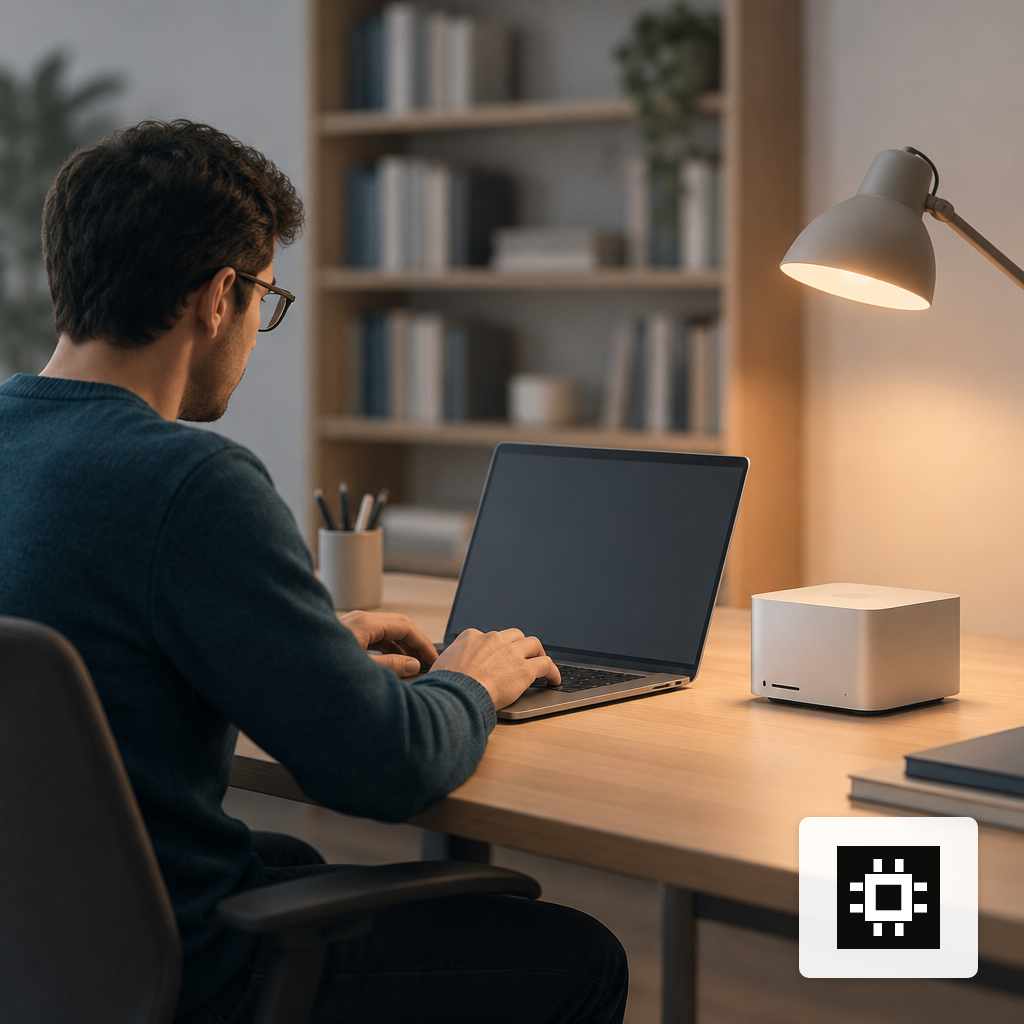
Solo developer workstation. One engineer, one model loaded, one prompt at a time. Prefill latency is tolerable, generation throughput on quantized models is competitive, and the memory ceiling lets you work on 70B-class models without renting cloud time. Independent testing by Creative Strategies found that a 512GB M3 Ultra ran Llama 8B 4-bit at 135 tok/s and QwQ 32B 4-bit at 36 tok/s, beating an RTX 5090 on the same quantized models once context exceeded the 5090's 32GB of VRAM. Memory capacity, not raw compute, is the lever.
Small pilot or evaluation harness. If you are picking between Llama, Qwen, Mistral, DeepSeek and gpt-oss for a specific internal task, a Mac Studio lets a two-person team load each candidate, run offline evals, and build the shortlist before you buy production hardware. This is the step most teams skip, and it is the one that saves money. Our guide on deploying open-weight models on-prem covers that selection process in more detail.
Quiet, offline edge roles. A field office, a secure facility, a medical imaging room, a vessel at sea. The M3 Ultra's low idle draw, fanless-feeling acoustics and single-box form factor are a real fit where a rack is impractical. For most of those sites we would still ship a ruggedized edge AI system with vendor-neutral GPUs and remote management, but a Mac Studio is a credible choice for the smallest, lowest-concurrency version of that pattern.
Where Mac Studios Fail as On-Prem LLM Hardware
Concurrency is the first wall. A production serving runtime has to accept parallel requests without head-of-line blocking and merge them into variable-length micro-batches token by token. The Apple ecosystem is still catching up. An arxiv comparison of five local runtimes on Apple Silicon notes that llama.cpp processes one active sequence per model instance, with concurrency requiring multiple processes and full model copies, while Ollama under load behaves more like cooperative time-slicing than true continuous batching. MLC-LLM is the most complete option today, and MLX itself still has prefill and nondeterminism gaps that production serving teams notice.
Prefill is the second wall. On short prompts, MLX's full-prefill strategy introduces overhead that llama.cpp avoids with sliding-window caches. For agent workloads where context is long and reused, this matters less, and projects like oMLX are addressing it with SSD KV caching. For chat-style workloads with many short prompts, it matters a lot.
Fine-tuning is the third wall. Serious fine-tuning and training work still assumes CUDA, PyTorch, FlashAttention kernels and distributed training libraries that do not have equivalents on Metal. If part of your plan is custom fine-tuning and model training, a Mac Studio is a research sketchpad, not the production target.
Rack integration is the fourth. Mac Studios have no BMC, no redundant power, no hot-swap drives, no PDU-friendly rail kits and no vendor service contract designed for a 24/7 datacenter floor. You can put them on a shelf. You cannot cleanly fold them into the monitoring, imaging and lifecycle processes your infrastructure team already runs.
| Runtime | Continuous batching | Multi-user serving | Setup effort |
|---|---|---|---|
| PyTorch MPS | No | Not practical | Trivial |
| llama.cpp | One sequence per instance | Weak | Moderate |
| Ollama | Time-sliced | 1-3 users | One command |
| MLC-LLM | Most complete | Workable | Heavier DevOps |
| MLX / mlx-lm | Via wrappers | Via third-party servers | Trivial local, DIY serving |
The Cluster Argument, and Where It Breaks
The counter-argument you will hear is that Mac Studios cluster now. It is true, and worth taking seriously. The open-source exo framework reports tensor-parallel speedups up to 1.8x on 2 devices and 3.2x on 4 devices, pooling device memory to run models like DeepSeek V3 at 671B parameters that no single Mac can hold. GK Servis has described a four-node M-series Ultra cluster over Thunderbolt 5 with 1TB of pooled unified memory running Kimi K2 above 28 tokens/second under 250W total.
Those results are real, and they are also narrow. They describe single-stream generation across a pooled model, not multi-tenant throughput. The moment you want twenty analysts querying the same model concurrently with mixed context lengths, the limits in the previous section reassert themselves: the serving stack is the bottleneck, not the memory pool. The academic work on Mac Studio clusters is similarly focused on parallel execution of MoE experts across nodes to reduce inference time, which is a different problem from sustained multi-user serving.
For context on how team size translates into GPU capacity on the server side, our note on sizing GPU capacity by active users walks through the arithmetic.
How to Choose Between a Mac Studio and a cstmAI System
The decision collapses to four questions.
- How many concurrent users? One to three interactive users on a quantized model is Mac Studio territory. Ten or more concurrent sessions with real SLAs belongs on a cstmAI Desk for pilots or a cstmAI Rack for production.
- What is the context profile? Long documents with heavy prefix reuse favor Apple Silicon with a good KV cache runtime. Short, ragged prompts favor CUDA serving stacks.
- Will you fine-tune? If yes, plan on NVIDIA for training and keep Apple for inference-only sketching.
- What does operations look like? If the box needs to sit in a rack with your other infrastructure, carry a BMC, feed Prometheus, and survive a four-year refresh cycle, buy server hardware. If it sits on an engineer's desk, a Mac Studio is fine.
The pattern we see most often with buyers who did this well is a hybrid. One or two Mac Studios for individual engineers and evaluation work, and a right-sized GPU system for anything serving real users. The AI hardware estimator is a reasonable starting point for the second half of that pattern.
A Short Field Guide for IT Leaders
Treat the Mac Studio as a specialty tool. It is the best single-box, high-memory, low-power workstation available for loading very large open-weight models, and it is a legitimate choice for solo developers, model-selection pilots and the smallest edge roles. It is not a drop-in replacement for a GPU server, and the gap is not closing as fast as the memory headlines suggest. The serving stack, the fine-tuning stack and the rack integration story all still favor NVIDIA plus Linux for production on-prem LLM work.
Buy the Mac for what it is good at. Buy the server for what the server is good at. If you want help drawing that line against a specific workload, model shortlist and user count, that is what the quote and discovery process is for.