Most GPU server returns are not technical. The box arrives, the receiving team unboxes a 4U chassis, and someone from facilities asks three questions in a row that nobody wrote down during the hardware spec: what outlet does it plug into, how much heat will the room have to remove, and will anyone be able to sit near it. Get those wrong and a perfectly configured on-prem LLM stack sits on a pallet while an electrician gets scheduled.
This is the pre-delivery checklist. Amps and plug types per cstmAI configuration, BTU/hr the HVAC has to carry, and the dBA numbers that decide whether the server lives in the office, a dedicated room, or a real data hall.
Why 120V Office Circuits Run Out Fast
A standard US office receptacle is 120V on a 15A or 20A breaker. Under the NEC continuous-load rule, you plan for 80% of that, which caps a 20A circuit at roughly 1,920W of real draw. A single-GPU workstation fits. A two-GPU workstation is close to the edge. Everything above that is a 208/240V job.
For a four-GPU rackmount, sustained draw lands around 3,600 to 4,200W, which needs a dedicated 30A 208V circuit. Eight-GPU servers run 6,000 to 7,500W and typically want 50A at 208V or three-phase. Reference designs push higher: an NVIDIA DGX H100 is specified at 10.2 kW maximum with six 3.3 kW power supplies at 200-240V, and once you add host overhead to an H100, all-in power lands near 1.37 kW per chip.
The practical mapping, by cstmAI size:
- cstmAI Desk (1-2 GPUs): one or two 20A 120V circuits, or a single 20A 208V for the heavier two-GPU build. Standard office wall is usually fine.
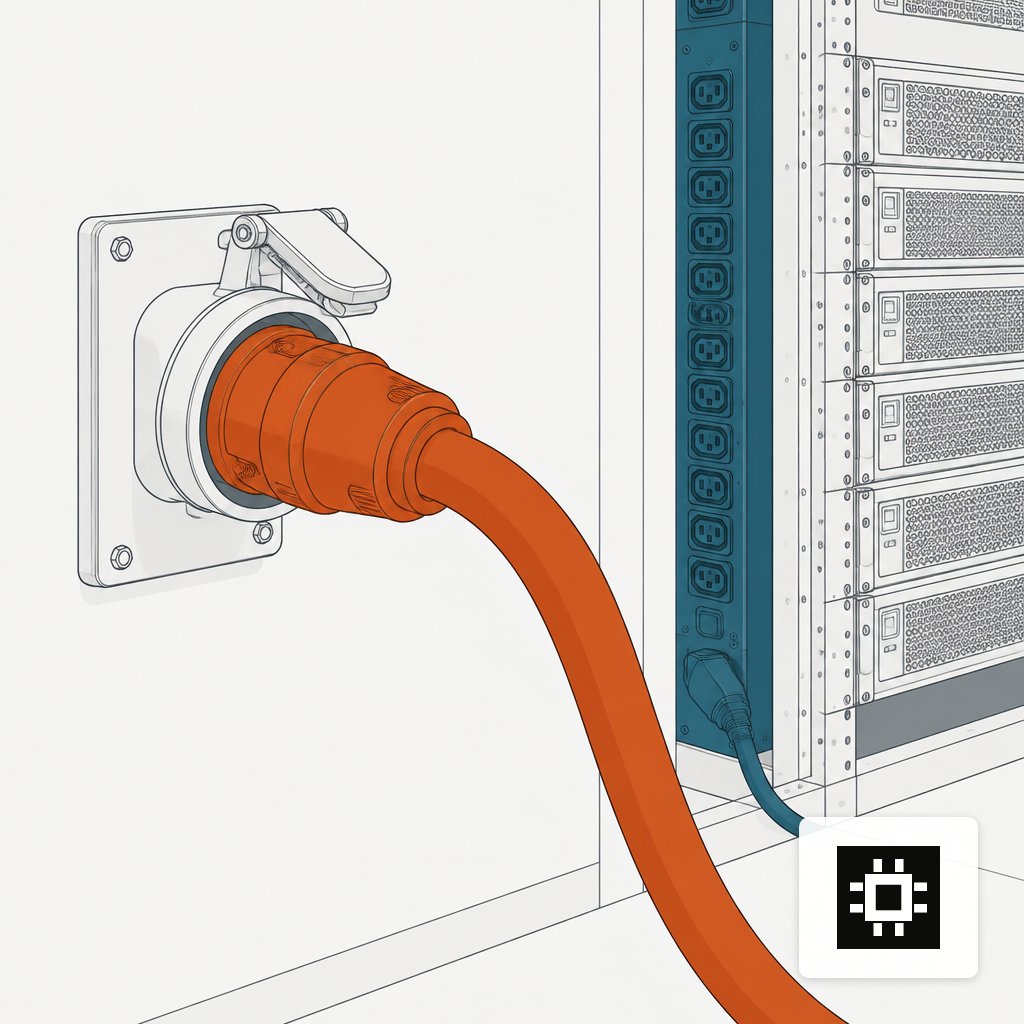
- cstmAI Rack (4-8 GPUs): dedicated 30A to 50A at 208/240V, usually terminated as a NEMA L6-30P or L6-30R for a rack PDU input. A 5.8 kW single-phase PDU on an L6-30P is a common choice for one 4-GPU server plus switch.
- cstmAI Cluster: multiple circuits per rack, three-phase 208V or 415V, 20-30 kW per rack is the current planning number for GPU racks. Dual PDUs for A/B feeds.
- cstmAI Edge: usually fits a single 20A 120V or 20A 208V, depending on the compact or ruggedized build.
The outlet detail matters because it dictates lead time. If the room has only L5-20 receptacles and you need L6-30, that is an electrician visit, a possible panel schedule change, and in older buildings a conversation about available 240V capacity on the subpanel. Starting that conversation in week one of a discovery sprint saves two weeks on the back end.
Heat Is the Draw, Multiplied by 3.412
Every watt in becomes a watt of heat out. The conversion to BTU per hour is 3.412, and it is not approximate: a 4-GPU server drawing 4,000W generates roughly 13,650 BTU/hr, and an 8-GPU server at 7,000W generates about 23,880 BTU/hr. A full DGX H100 at 10.2 kW electrical publishes a 38,557 BTU/hr heat output and demands 1,105 CFM of front-to-back airflow at 80% fan PWM.
Compare that against what office HVAC is designed to carry. A typical office zone delivers 30-50 BTU per square foot. A 4-GPU server in a 50 sq ft wiring closet creates roughly 270 BTU per square foot, five to nine times what office HVAC can handle. The closet does not fail at hour one. It fails at hour four of a sustained inference workload, when ambient inlet temperature climbs past the recommended envelope and the server starts throttling.
That envelope has a reference. ASHRAE TC 9.9's Thermal Guidelines for Data Processing Environments set a recommended server-inlet temperature of 18-27 °C (64.4-80.6 °F) for A-class equipment, and the newer H1 high-density class specifies an 18-22 °C coolant-supply range for liquid-cooled GPU and AI accelerator deployments. Inlet temperature, not room temperature, is what the chips actually see. If the hot aisle recirculates back to the front of the rack, the room reading looks fine while the server reads 35 °C at the intake.
What this means for sizing cooling: take the server's rated BTU/hr, divide by 12,000 to get tons of cooling, and add headroom for anything else in the room plus PUE overhead. For reference, the Uptime Institute's 2025 survey found industry-average PUE stuck at roughly 1.54-1.55, with sites of 20 MW and above averaging 1.44. A small server room retrofit will not hit hyperscale PUE, so plan on at least 1.5x the IT heat load for mechanical capacity.
Noise Rules Out More Rooms Than Heat Does
A moderately loaded 1U server sits around 45-55 dBA, which is office-quiet. A dense GPU server is a different animal. High-density GPU compute equipment such as HGX and DGX servers produces 85-95 dBA at one meter, and once you walk into a hall of them, measured noise inside server halls runs 70 to 80 dBA, with hot aisles near dense racks reaching about 96 dBA.
That is not a comfort problem. It is a regulatory one. OSHA's 29 CFR 1910.95 requires a hearing conservation program at an 8-hour time-weighted average of 85 dBA, with the maximum permissible exposure capped at 90 dBA for 8 hours. A GPU server running at 90+ dBA next to a desk is a documented hearing hazard. In most offices, this ends the conversation about putting the box under someone's workstation.
Rough thresholds that shape where each cstmAI size can live:
- Under 55 dBA: cstmAI Desk under typical inference load. Fine in an office or lab.
- 55-75 dBA: cstmAI Rack during steady-state inference. Workable in a dedicated server room with the door closed. Not an office.
- 75-90 dBA: cstmAI Rack under heavy load or during boot (fan ramps hit full speed for 30-60 seconds). Dedicated room only, hearing protection advisable if someone works at the rack.
- 90+ dBA: cstmAI Cluster or any multi-node GPU install. Data hall, hot-aisle containment, and OSHA posting at the door.
Noise also tracks fan curves, which track inlet temperature. A room that keeps intake at 22 °C will be meaningfully quieter than the same room at 28 °C, because fans do not have to spin to compensate. This is one more reason to size cooling for the real BTU load rather than hoping the existing HVAC will manage.
Rack Density and the Aisle You Did Not Plan For
A traditional enterprise rack was budgeted at 5-7 kW. One 8-GPU server fills that budget on its own. GPU racks today are commonly planned at 20-30 kW, which changes the floor plan: fewer servers per rack, wider aisles for airflow or liquid cooling manifolds, and PDU feeds that cannot share a breaker. If a facility is already full of 5 kW racks, the honest answer is often that the new system needs its own row with its own cooling loop, not a slot in the existing lineup.
Liquid cooling becomes less optional as GPU TDPs climb. For reference, newer accelerator classes are specified against ASHRAE H1 coolant temperatures rather than air inlet temperatures, which is the standards body's way of saying air alone is reaching its limit for the densest configurations. For most mid-market on-prem deployments the answer is still air, but rack-level rear-door heat exchangers and in-row cooling are increasingly the right call for anything above 15 kW per rack.
The macro trend backs this up. The IEA projects global data-centre electricity consumption roughly doubling from 415 TWh in 2024 to around 945 TWh by 2030, with AI-accelerated servers growing at roughly 30% annually. Facility power and cooling are the binding constraint for most on-prem AI programs now, not GPU availability.
A Pre-Delivery Checklist Before the Pallet Shows Up
Before signing a hardware order, confirm these in writing with whoever owns the room:
- Circuit and receptacle: breaker amperage, voltage, phase, and the exact NEMA plug on the wall. Match it to the server PDU input, or budget for an electrician.
- Headroom on the subpanel: a 50A 208V circuit for an 8-GPU server needs capacity that is not already allocated elsewhere.
- Cooling capacity in tons: BTU/hr load times 1.5 for overhead, verified against the HVAC spec, not the thermostat.
- Inlet temperature target: 18-27 °C per ASHRAE, measured at the server intake, not the ceiling.
- Noise classification of the room: office, server room, or data hall. OSHA exposure limits if staff work nearby.
- Rack kW budget: 20-30 kW is the current GPU rack planning number, not the legacy 5-7 kW.
None of this is unknowable. The numbers come from the server's own spec sheet, the panel schedule, and the HVAC drawings. The failure mode is that nobody owns the handoff between the AI buyer and facilities until the pallet lands. Running the AI hardware estimator early gives you the draw and heat figures before the quote; a site readiness conversation during discovery turns those into a work order the facilities team can act on. The goal is simple: when the system arrives, the circuit is live, the room is cold, and nobody has to find somewhere else to put it.
For teams working through the broader rollout, the related reads on what breaks in the first 90 days and GPU server configurations cover the software and sizing side of the same decision.